What is DigiLocker and How to Use It?
- 4 min read•
- 1,001•
- Last Updated: 25 Nov 2025 at 10:17 AM IST
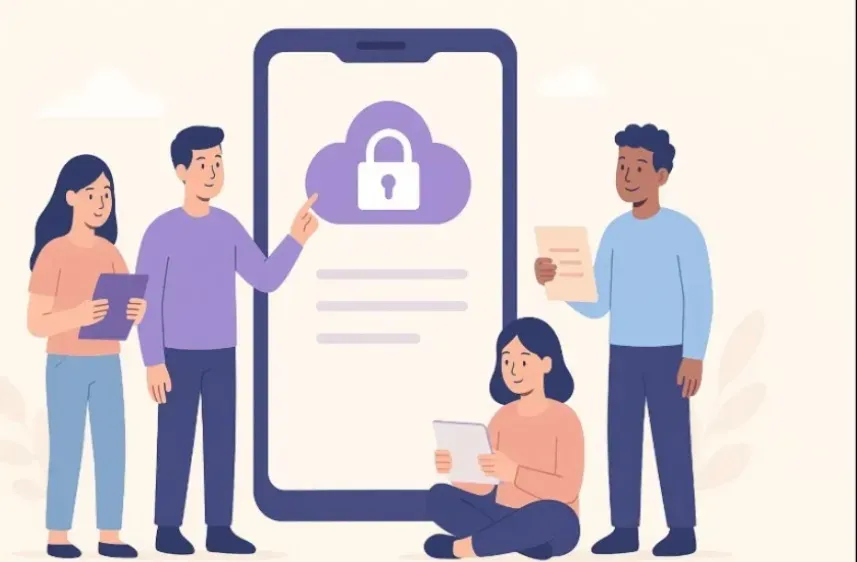
Did you remember the time when your grandmother and mother used the locker of the almirah to keep essential stuff? As you grew up, you might have seen your family using the bank’s locker to keep valuables.
However, with digitalisation taking centre stage, DigiLocker has emerged as a viable alternative to keep e-copies of essential documents like marksheets, driving licence, passport, Aadhaar card and insurance documents safe and secure. So, what is DigiLocker and how can you use it? Let us find out.
What is DigiLocker?
A flagship initiative of the Ministry of Electronics & IT under the Digital India programme, DigiLocker acts as your digital document wallet. It is your exclusive personal electronic storage space where you can store essential documents such as PAN card, school and college certificates, Aadhaar card, voter IDs and various other documents.
Also, apart from uploaded documents, you can use DigiLocker to store documents electronically issued by various agencies from their original data source. Legally, at par with original documents, DigiLocker eliminates the risk of carrying physical copies of documents. Being a cloud storage space, you can access DigiLocker anytime as per your convenience and need.
How to Use DigiLocker?
Now that you know what DigiLocker is, let us understand how to use it. Using DigiLocker is easy. To use DigiLocker’s facility, you need to sign up for DigiLocker. To sign up:
- Visit the official website of DigiLocker and click on ‘Login/Register’
- Enter either your mobile number or Aadhaar number
Once you do so, it will be authenticated through an OTP. This will be followed by setting your security PIN for 2-factor authentication. Once you do it, it will create your DigiLocker account. Once you have created your DigiLocker account, fill in the details to complete your profile, including your name, date of birth, mobile number and email.
How to Upload Documents in DigiLocker?
Uploading documents in DigiLocker is simple. Before uploading, keep the scanned copies of the documents in one place on your phone or computer. To upload documents:
- Log in to your DigiLocker account with your credentials (mobile number and PIN).
- Select ‘Drive’ on the left hand corner of the page that opens.
- Click on ‘+New’.
- You can upload your documents either by creating a folder or uploading individual files.
What are the Advantages of Using DigiLocker?
Just like the good old almirah lockers of the past and bank lockers of the present, DigiLocker offers multiple advantages. These include:
Essential Documents at One Place
Why search for essential documents everywhere when you can keep them in one place? DigiLocker helps you keep vital documents safely on the cloud. When needed, just log in to your account and access it.
No Need to Carry Physical Copies
Carrying physical copies of documents is cumbersome and risky. You cannot rule out chances of theft. However, with DigiLocker, you do not need to carry physical copies of documents. Whenever needed, you can download them in a few clicks.
Helps During Emergencies
Have you ever been caught in a situation where you have been searching frantically for a certain document only to not find it? Consider yourself lucky if not. DigiLocker can help you during emergencies by helping you find essential documents and present them to the concerned authorities.
Conclusion
DigiLocker is a vital step in empowering digital inclusion among the masses. Easy and convenient to use, it is your mobile e-wallet that you can carry anywhere, everywhere and securely store all crucial documents. If you are yet to open a DigiLocker account, do it today.
Just like DigiLocker ensures secure document storage, Kotak Neo provides a seamless investment experience. Kotak Neo is your one stop destination to invest in various financial instruments as per your goals. Download now to get going.
Source: