How can I opt for smallcase?
If you are a customer of Kotak Neo, you can visit Kotak Neo’ smallcase platform by clicking here
Accept the T&C (for first time user only)
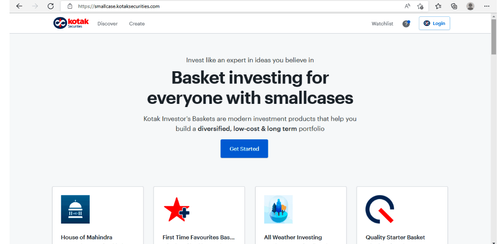
For first time users:
-
Login to your Kotak Neo Mobile App
-
Click on Invest
-
Go to Smallcase
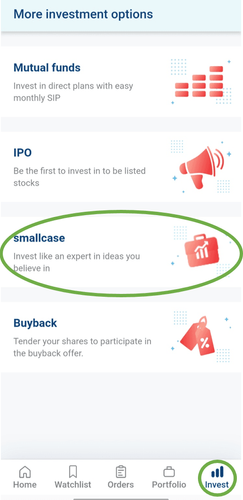
- Accept T&C (for first time user)
For a first time user,
- Click on Login
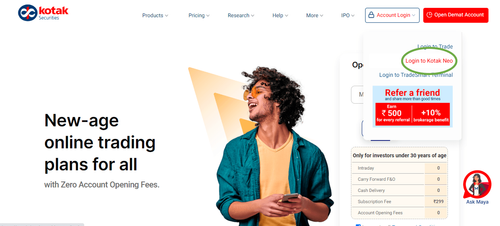
- Enter your mobile no. and password to log in
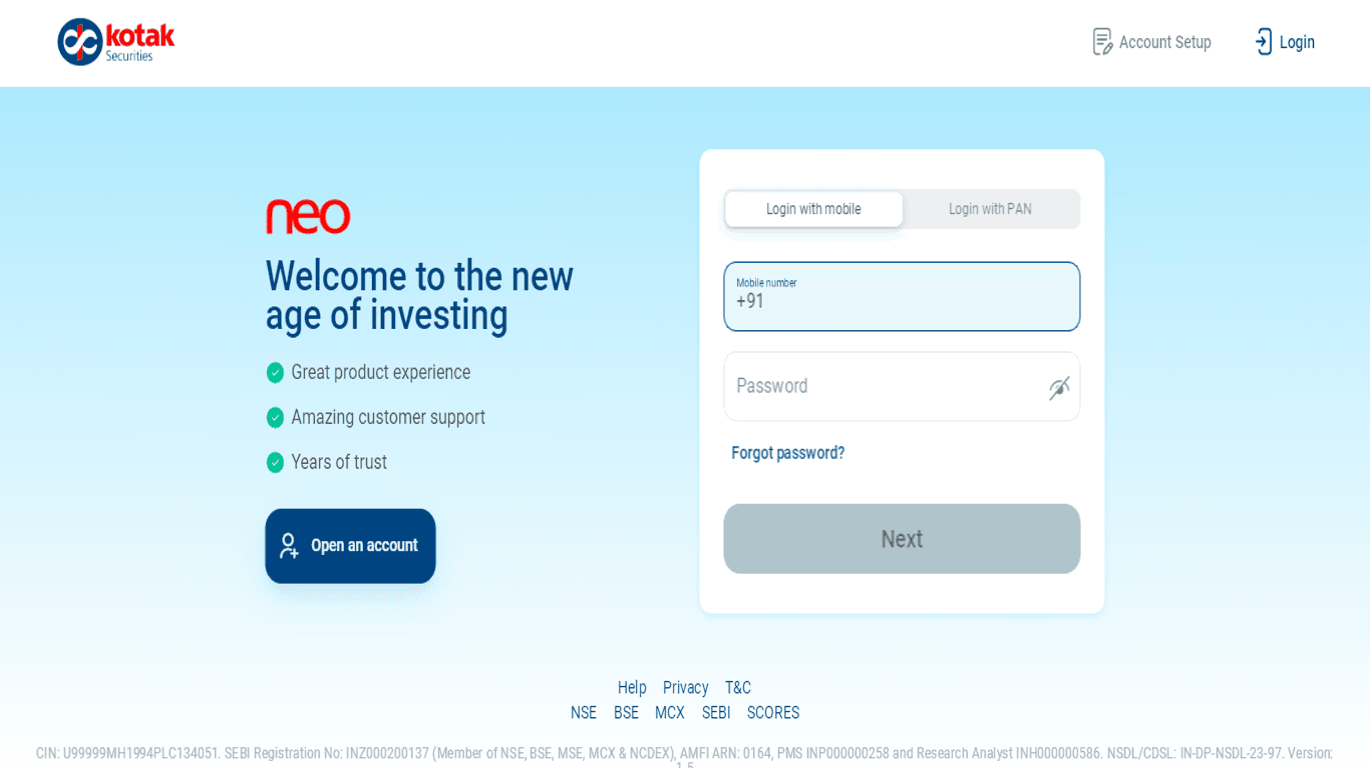
-
Click on Invest
-
Go to Smallcase
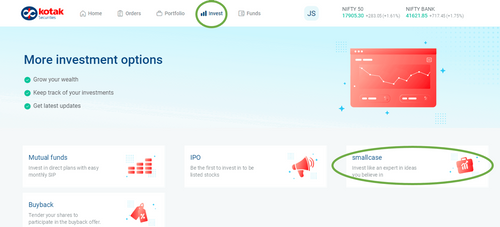
- Accept T&C (For first time users).
For a first time user
-
Login
-
Click on ‘More’ at the bottom Menu Bar
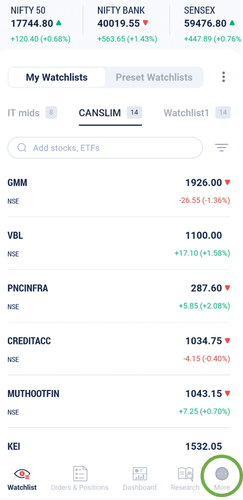
-
Scroll to ‘Core Investments’
-
Click on ‘smallcase’
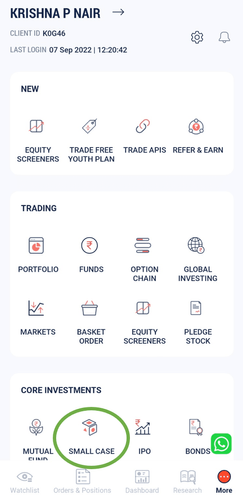
- Accept T&C (for first time user)
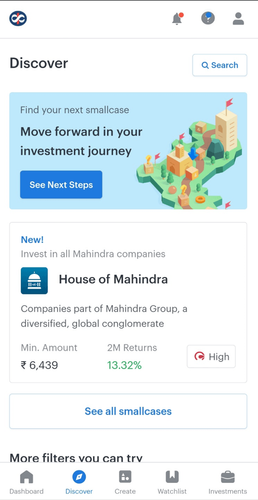
For first time users
-
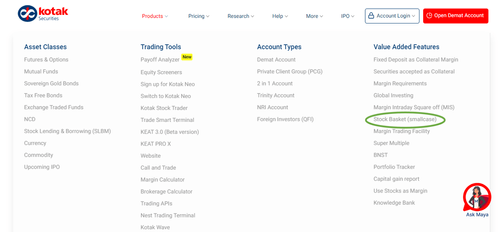
Go to www.kotakneo.com
-
Products
-
Value Added Services
-
Stock Basket (smallcase)
-
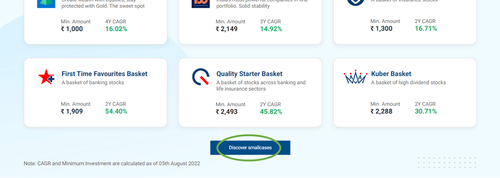
Discover smallcases
-
Login to Kotak Neo
- Accept T&C (for first time user)
Alternatively,
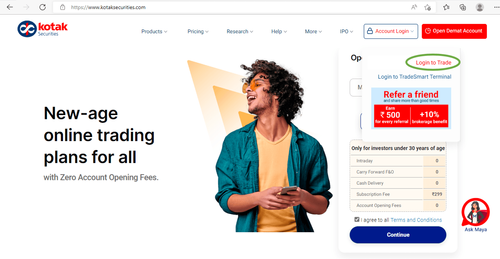
Post Logging in on the Kotak Neo Trading Website:
- Login
-
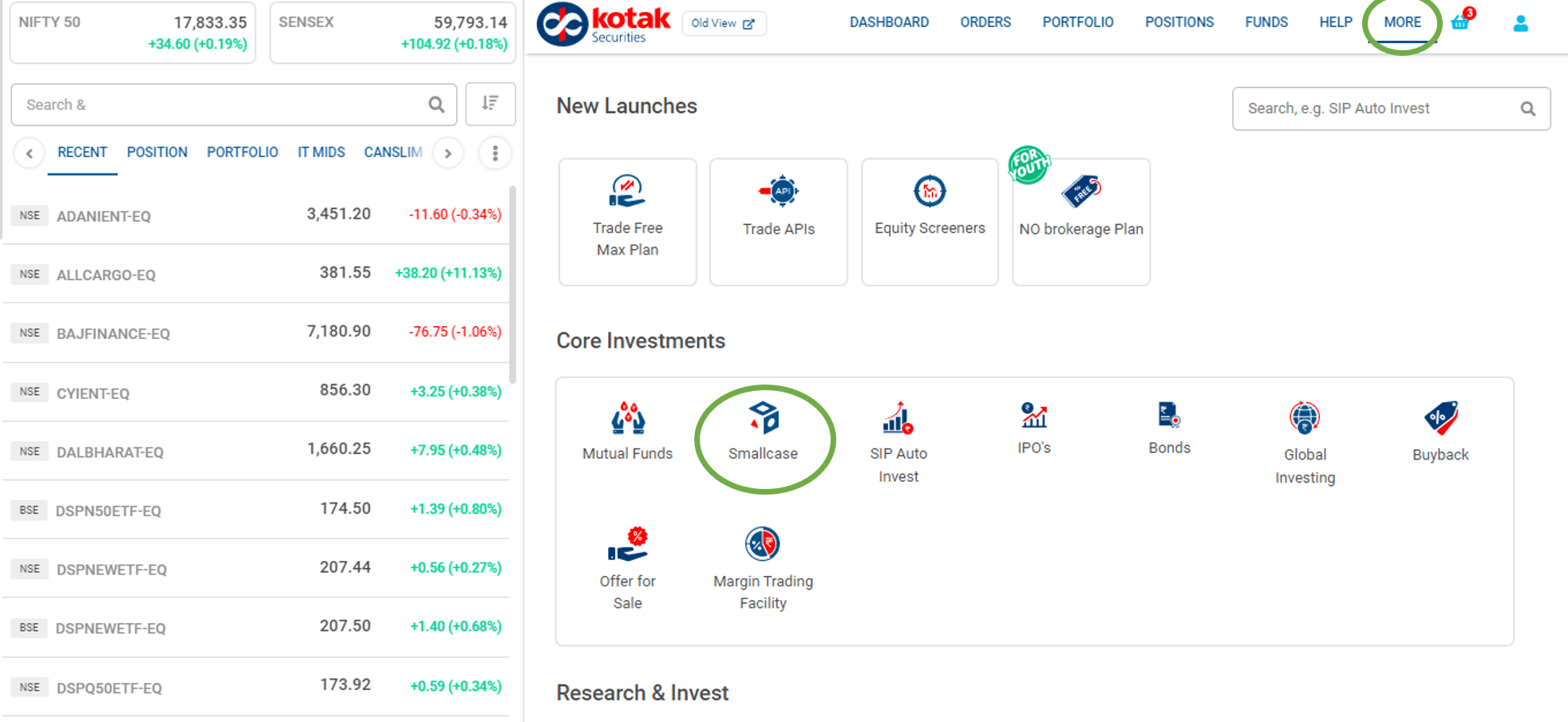
Click on “More”
-
Core Investments
-
Smallcase
- Accept T&C
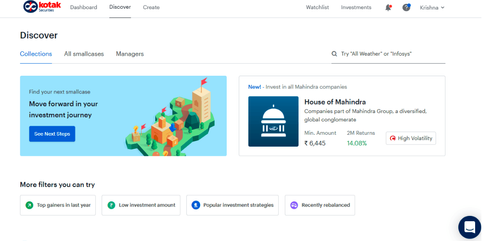
This feature is not allowed for this platform.
Open Demat Account
Open Demat Account