Platform
Features and Tools
Market
Market Movers
Market Today
Price Wise Stocks
Sector Wise Stocks
Stocks
Indices
NSE
BSE
Global Indices
Mutual Funds
AMC's
Schemes
Learn
IPO
Mainboard IPO
Upcoming IPOs
How do I add shares to watchlist?
- On your home screen, search for the stock you wish to add. You can use the tags - Equity, Futures, Currency, Options, etc. to filter your search further
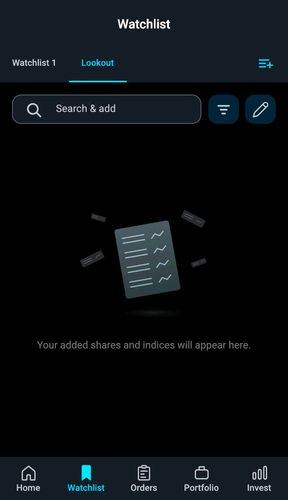
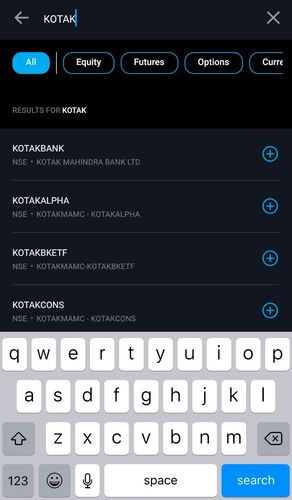
- Click on the + button next to the stock name to quickly add it to the watchlist
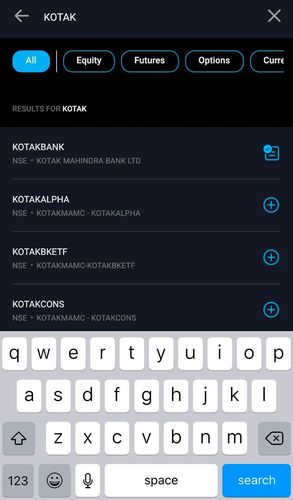
- Alternatively click on the stock to view the stock details page with charts, general info etc.
- Click on the + button on the top right corner of the screen to add the stock to your watchlist
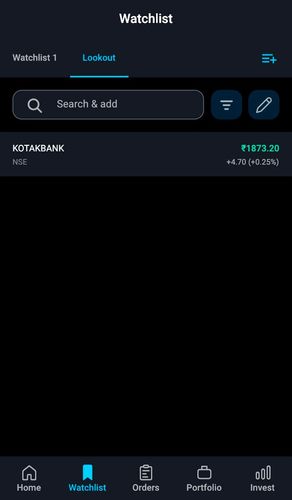
-
Login to the Kotak Stock Trading App
-
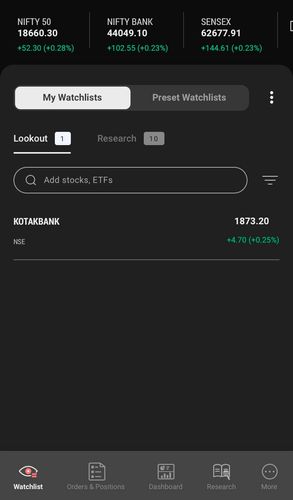
Go to the watchlist you want to add a Stock to.

- Search Stock by Name / Ticker
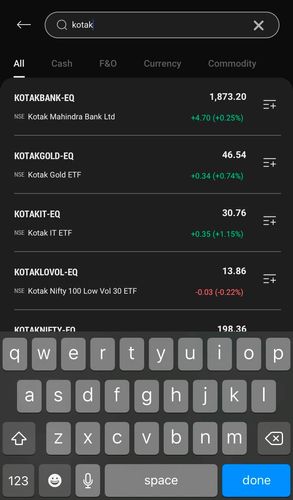
- Once you see the stock in the Search result
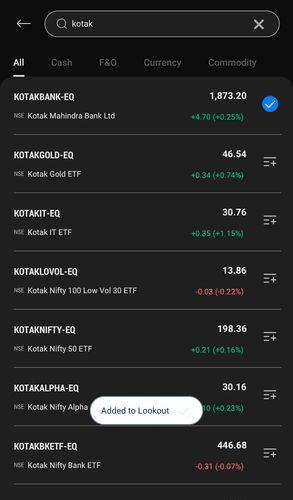
- Click on the plus icon on the right hand side of the Stock
This feature is not allowed for this platform.
Open Demat Account
Open Demat Account