How to access Kotak Neo Mutual Fund platform? How to access Mutual Funds from different Kotak Neo platforms?
- Open Neo app
- Enter registered number and password
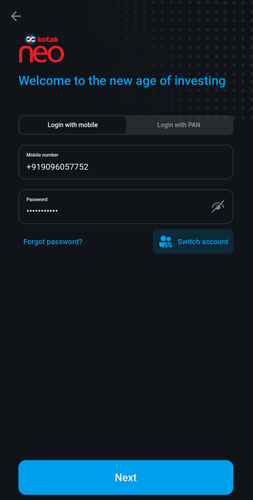
- Enter OTP sent to registered number
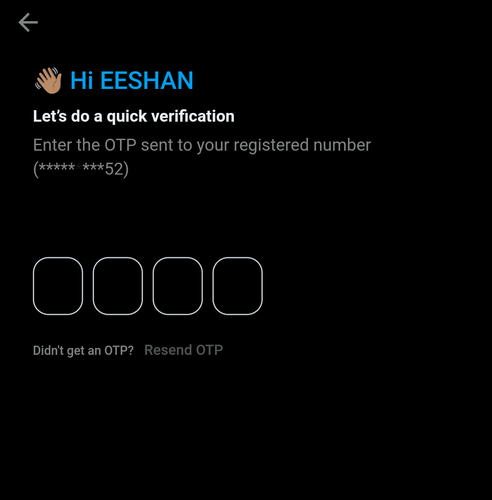
- After logging in, click on Invest from the bottom bar
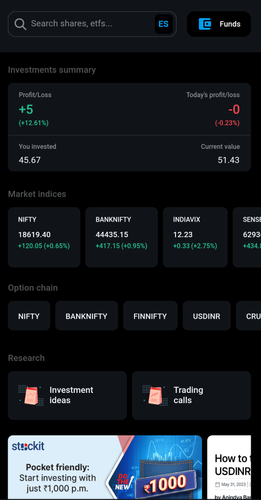
- Under Other Investments, select Mutual Funds
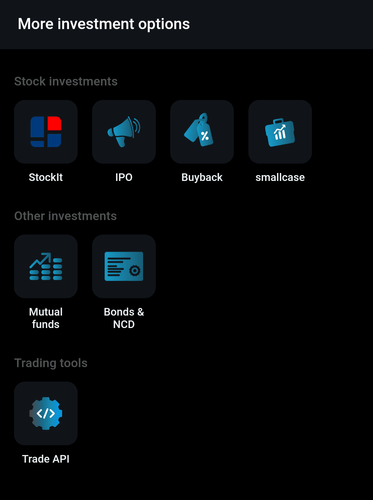
- Login to Neo website
- Enter registered Phone number, password
- Enter OTP sent to registered number
- After logging in, click on Invest
- Under Other Investments, select Mutual Funds
- Open Kotak Stock Trading app
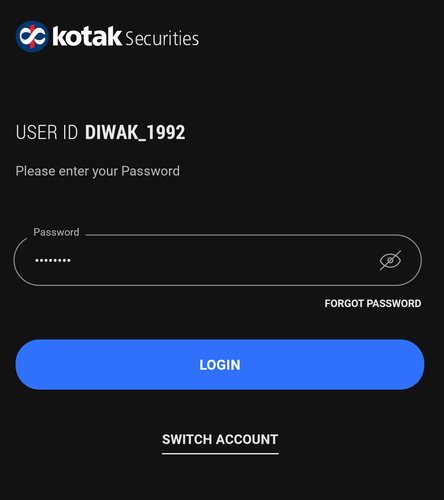
- Enter User ID and password
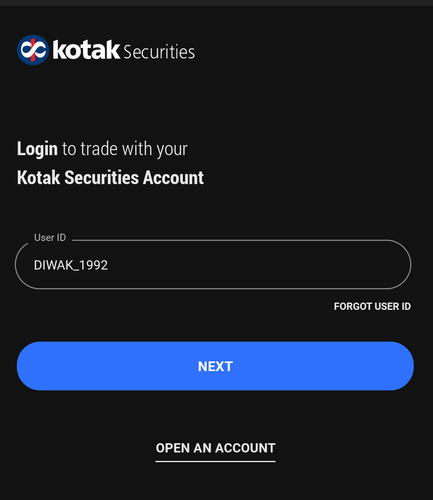
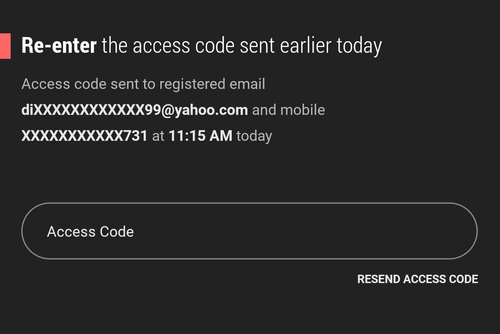
- Enter access code to login
- After logging in, click on More from the bottom bar
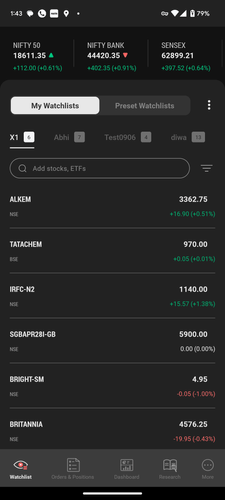
- Scroll down to view Core Investments
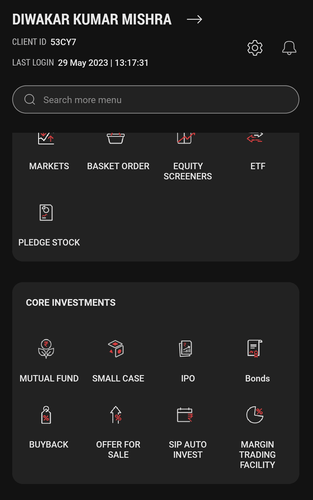
- Select Mutual funds
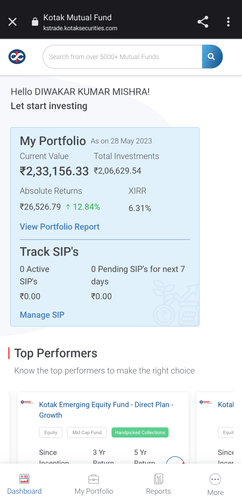
- Login to Kotak Neo website
- Enter User ID and password
- Enter access code to login
- After logging in, click on More
- Scroll down to view Core Investments
- Select Mutual fund
This feature is not allowed for this platform.
Still have questions?
Open Demat Account
Open Demat Account